Import recipes from website links
Save recipes from websites.
Share or paste a recipe website link. Review the imported ingredients and instructions, then save the recipe in your PantryAI cookbook.
Available on iPhone · Subscription options in the app
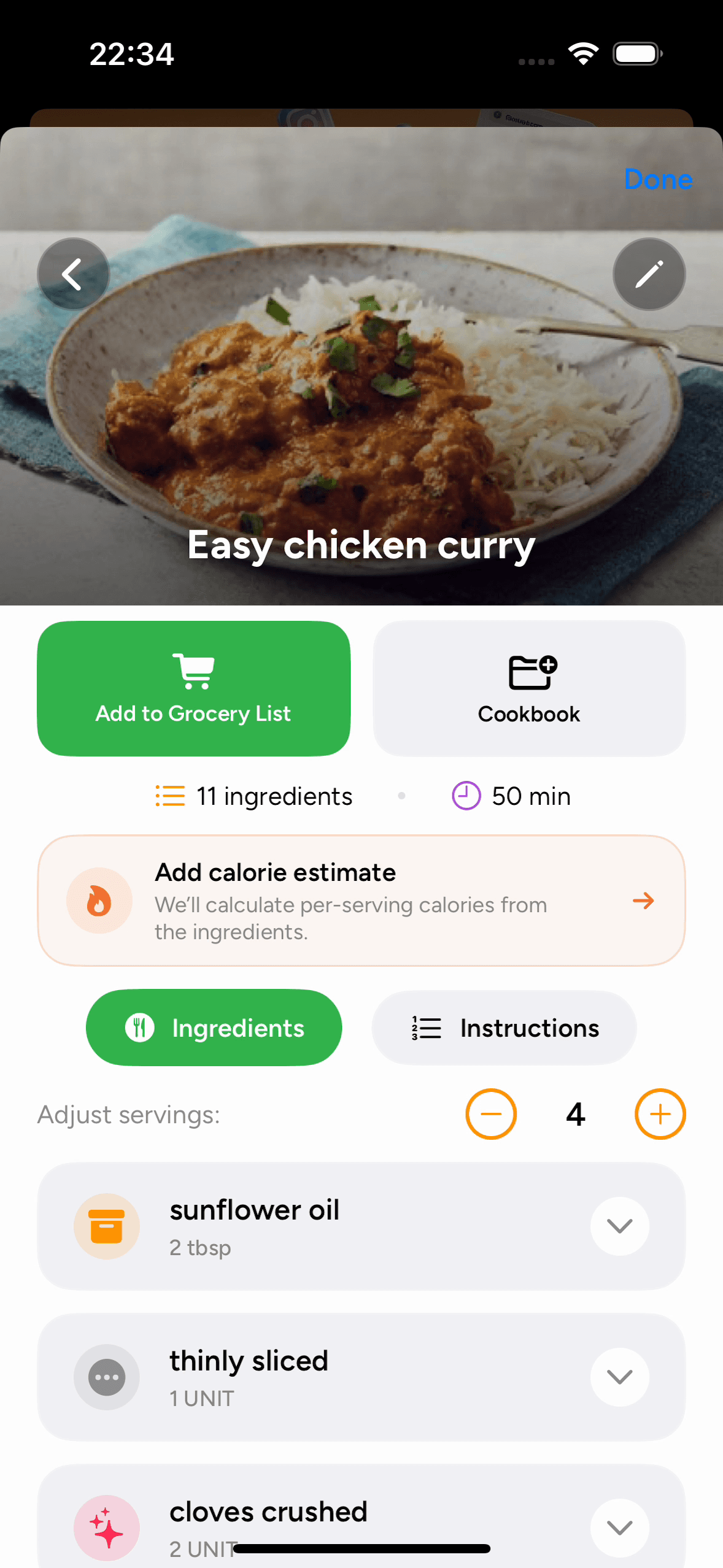
Saved in your cookbook.
Ingredients and instructions together.
Import a recipe in three steps
How to save recipes from websites
Share or paste a recipe link, review the imported details, and save it to a cookbook.
Open the complete recipe page
Open the website page that includes the full ingredient list and instructions in your iPhone browser.
Recipe import questions
Saving recipes from websites: FAQ
Need a hand with an import? Our Help Center has more tips.
How do I save a recipe from a website on my iPhone?
Open the recipe page, tap the browser’s Share button, and choose PantryAI. If PantryAI is not shown, look under More in the share sheet, or copy the link and paste it into From URL inside the app.
Can I save recipes from different food blogs together?
Yes. Save recipes from different websites in the same PantryAI cookbook. You can create separate cookbooks for categories such as Weeknight Dinners or Weekend Baking.
Does PantryAI keep a link to the original recipe?
Yes. Recipes imported from a URL retain a source link, so you can return to the creator’s original page from the recipe details.
What if a recipe website does not import?
Check that the link opens the complete recipe. Some websites restrict access or present recipe details in a way the importer cannot read. You can capture the ingredients and instructions as screenshots and import them using From Photo.
Do I need a subscription to save website recipes?
PantryAI offers weekly, monthly, and annual subscription options. The app shows the current price, included access, and any eligible introductory trial before you confirm a purchase.

PantryAI for iPhone
Keep your favorite website recipes on your iPhone.
Download PantryAI, then share a recipe link to save it in your cookbook. Open the ingredients and steps whenever you need them.
Download on theApp StoreSubscription options in the app.