Import public Facebook recipe posts
Save recipes from Facebook.
Share a public Facebook recipe post or Reel with PantryAI. Save its available ingredients and instructions together in your cookbook.
Available on iPhone · Subscription options in the app
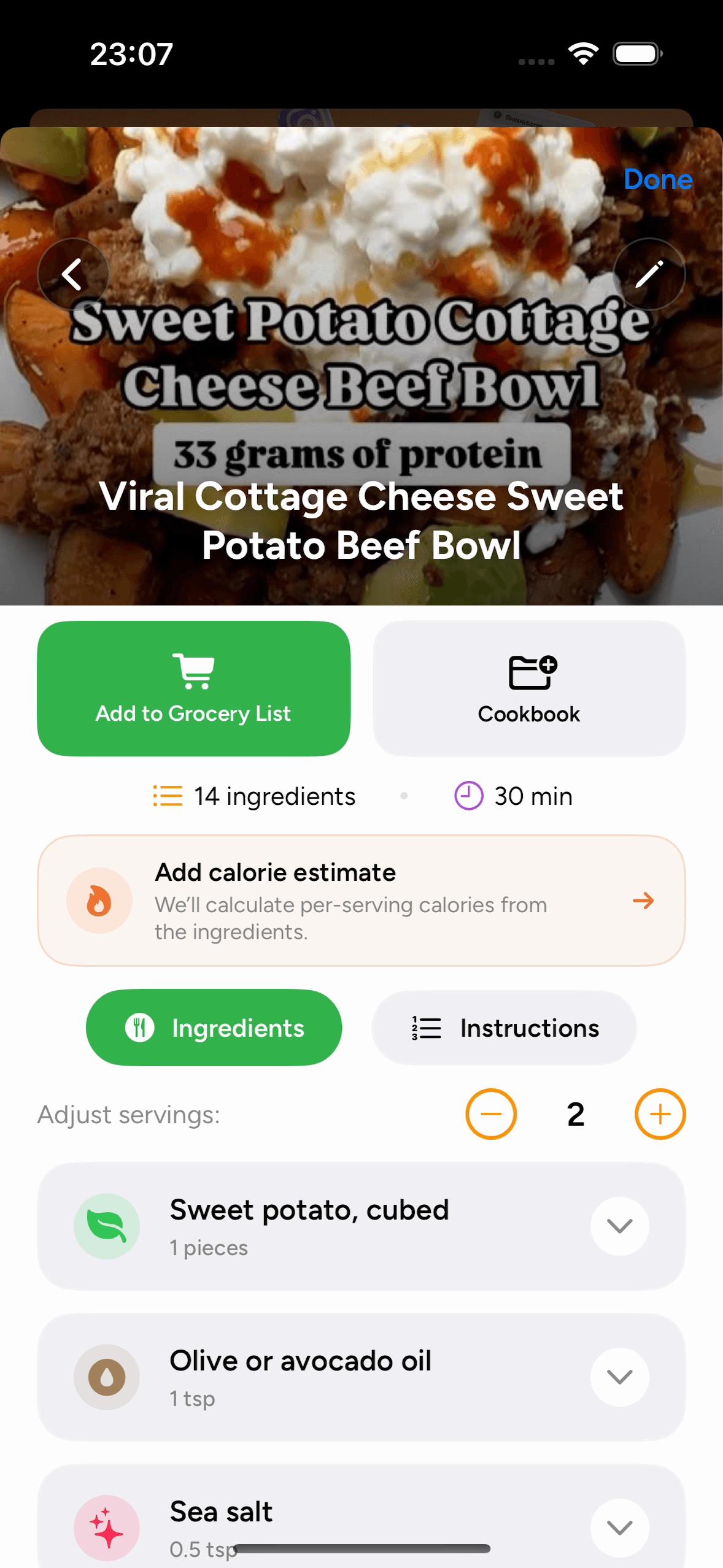
Saved in your cookbook.
Ingredients and instructions together.
Import a recipe in three steps
How to save recipes from Facebook
Share or paste a recipe link, review the imported details, and save it to a cookbook.
Open a public recipe post or Reel
Choose a recipe from an accessible public page, group, or Reel. Open the individual post to get its direct URL.
Recipe import questions
Saving recipes from Facebook: FAQ
Need a hand with an import? Our Help Center has more tips.
How do I save a recipe from Facebook?
Open the public recipe post or reel and share its link with PantryAI using the iPhone share sheet. You can also paste a copied link into From URL in the app, then review and organize the imported recipe.
Can I import recipes from Facebook groups?
PantryAI supports recipe links from accessible posts in public groups and pages. A private group’s posts may require your Facebook login and may not be accessible to the importer.
What if the Facebook recipe is written on an image?
Save a clear screenshot of the recipe image and import it in PantryAI using From Photo. Include all the ingredients and instructions; you can select up to four images for the same recipe.
Can I keep Facebook recipes with recipes from other apps?
Yes. A PantryAI cookbook can include Facebook recipes alongside website recipes, Instagram Reels, TikTok recipes, and recipes imported from photos.
Are Facebook recipe imports free to try?
An introductory trial may be available on eligible subscription plans when shown in PantryAI. The app offers weekly, monthly, and annual options and displays the current price and terms before purchase.

PantryAI for iPhone
Save the Facebook recipe you want to cook.
Download PantryAI and share a public post or Reel. Review its recipe details and save them in your cookbook.
Download on theApp StoreSubscription options in the app.