Import recipe text from screenshots
Save recipes from screenshots.
Select recipe screenshots in PantryAI’s From Photo importer. Review the extracted ingredients and instructions, then save the recipe in your cookbook.
Available on iPhone · Subscription options in the app
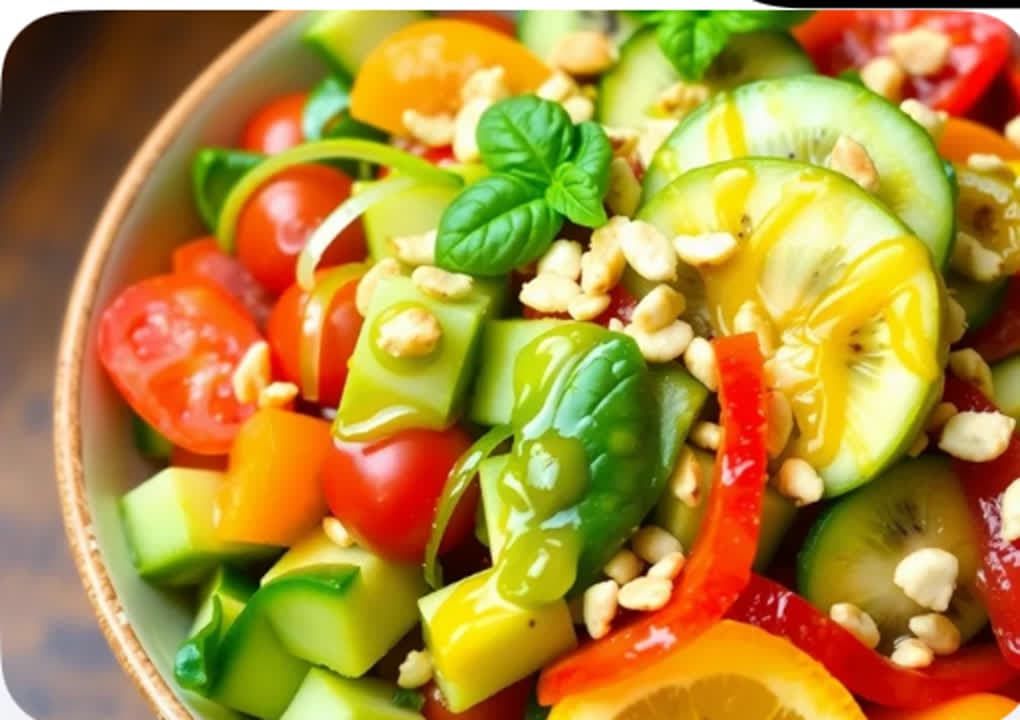
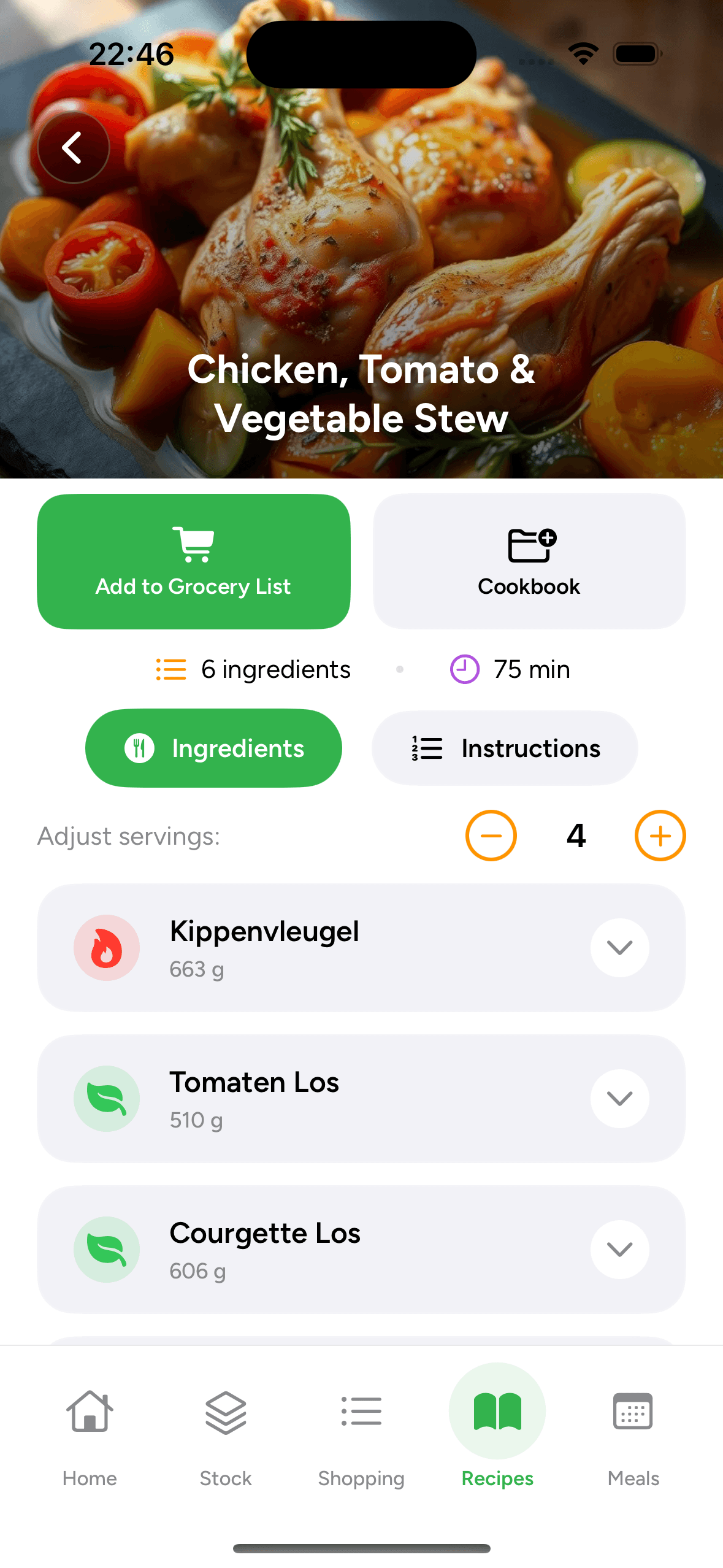
Saved in your cookbook.
Ingredients and instructions together.
Import a recipe in three steps
How to save recipes from screenshots
Select a clear recipe photo, review the imported details, and save it to a cookbook.
Select complete recipe screenshots
Choose images showing the full ingredient list and instructions. Capture any missing parts of the written recipe before importing.
Recipe import questions
Saving recipes from screenshots: FAQ
Need a hand with an import? Our Help Center has more tips.
Can PantryAI turn a recipe screenshot into a saved recipe?
Yes. Choose the screenshot using From Photo in PantryAI. The app extracts visible recipe information into ingredients and instructions for you to review and organize.
Can I import several screenshots for one recipe?
Yes. Select up to four images together in the gallery picker. Use this for a long recipe whose ingredient list and method appear in separate screenshots.
Do I share screenshots to PantryAI from the Photos app?
Use From Photo inside PantryAI and select the images from your gallery. The recipe share extension handles recipe links; image imports are started in the app.
Will a photo of a finished meal give me the exact recipe?
For saving an existing recipe, use images that include its written ingredients and instructions. A photo of the finished dish does not tell the importer the creator’s exact quantities or method.
Is screenshot recipe importing available with a trial?
An introductory trial may be available on eligible PantryAI plans when it appears in the app. Check the subscription screen for current access, weekly, monthly, or annual pricing, and trial terms before purchase.

PantryAI for iPhone
Make your recipe screenshots easy to find.
Download PantryAI and select a recipe screenshot. Review its ingredients and steps, then organize the recipe in a cookbook.
Download on theApp StoreSubscription options in the app.