Recipe organizer app
Save recipes from
links and photos.
Save recipes from social media, websites, cookbooks, and handwritten pages. Import a link or photo to keep the ingredients and instructions together in your cookbook.
Get PantryAI for iPhone
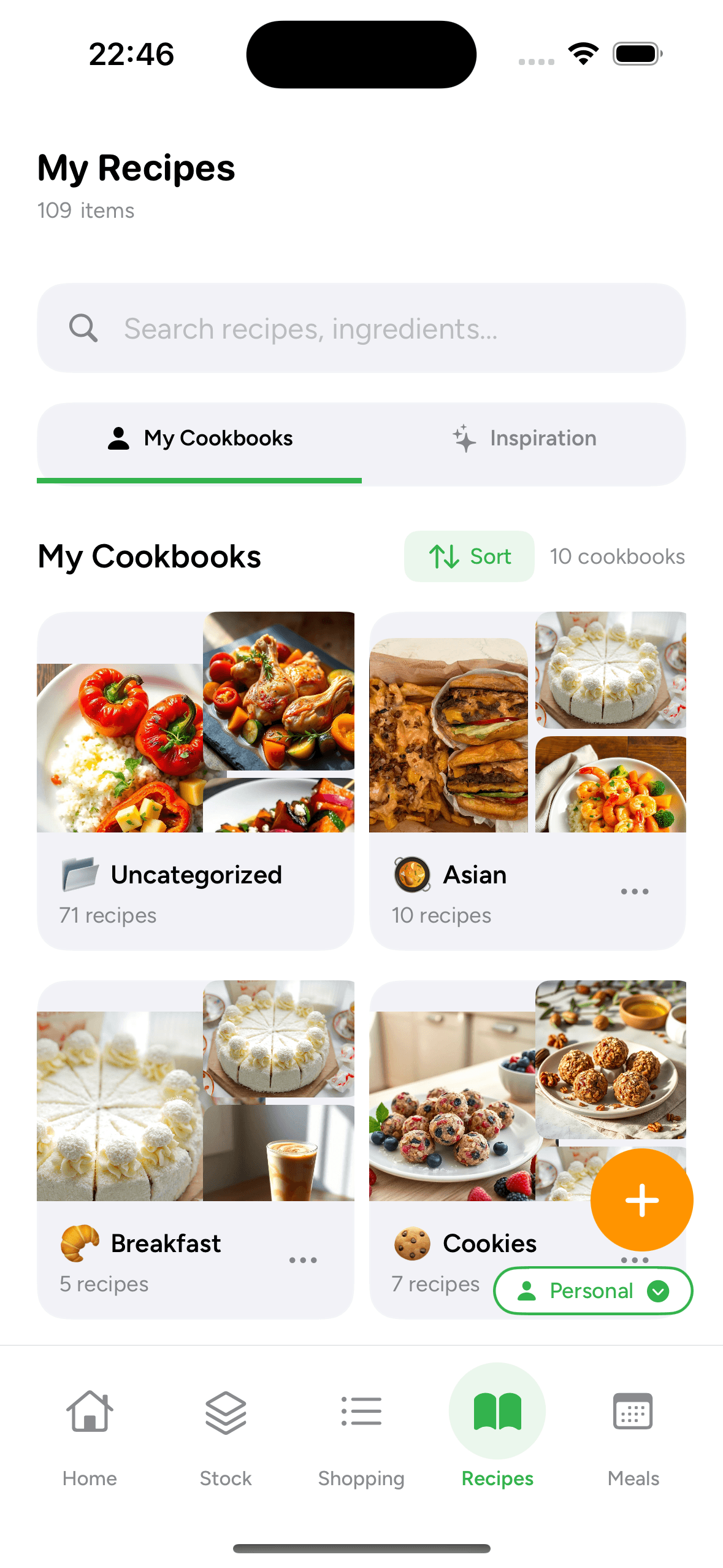
Choose where you want to save recipes from

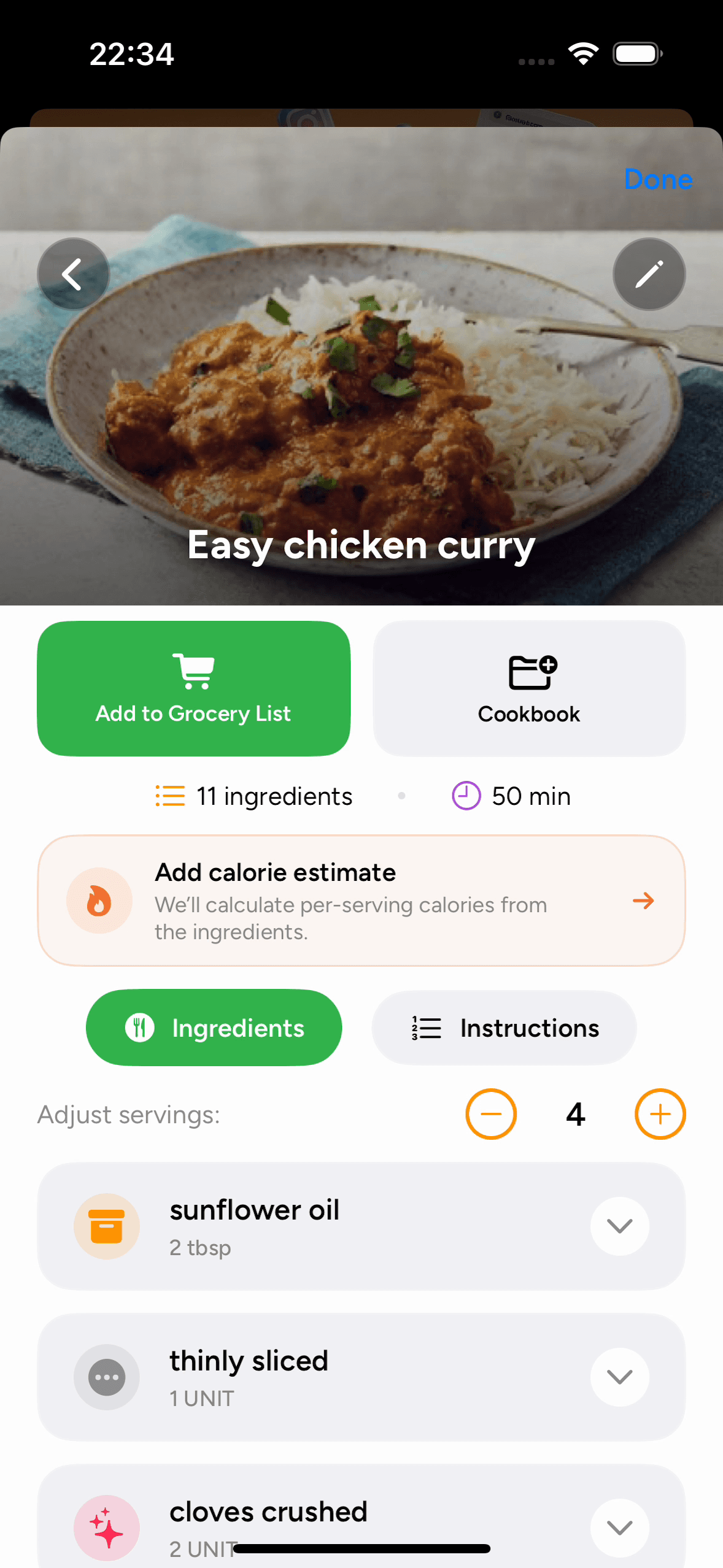
Save recipes from websites
Share a website recipe URL, review its ingredients and instructions, and save it in your cookbook.
See how it works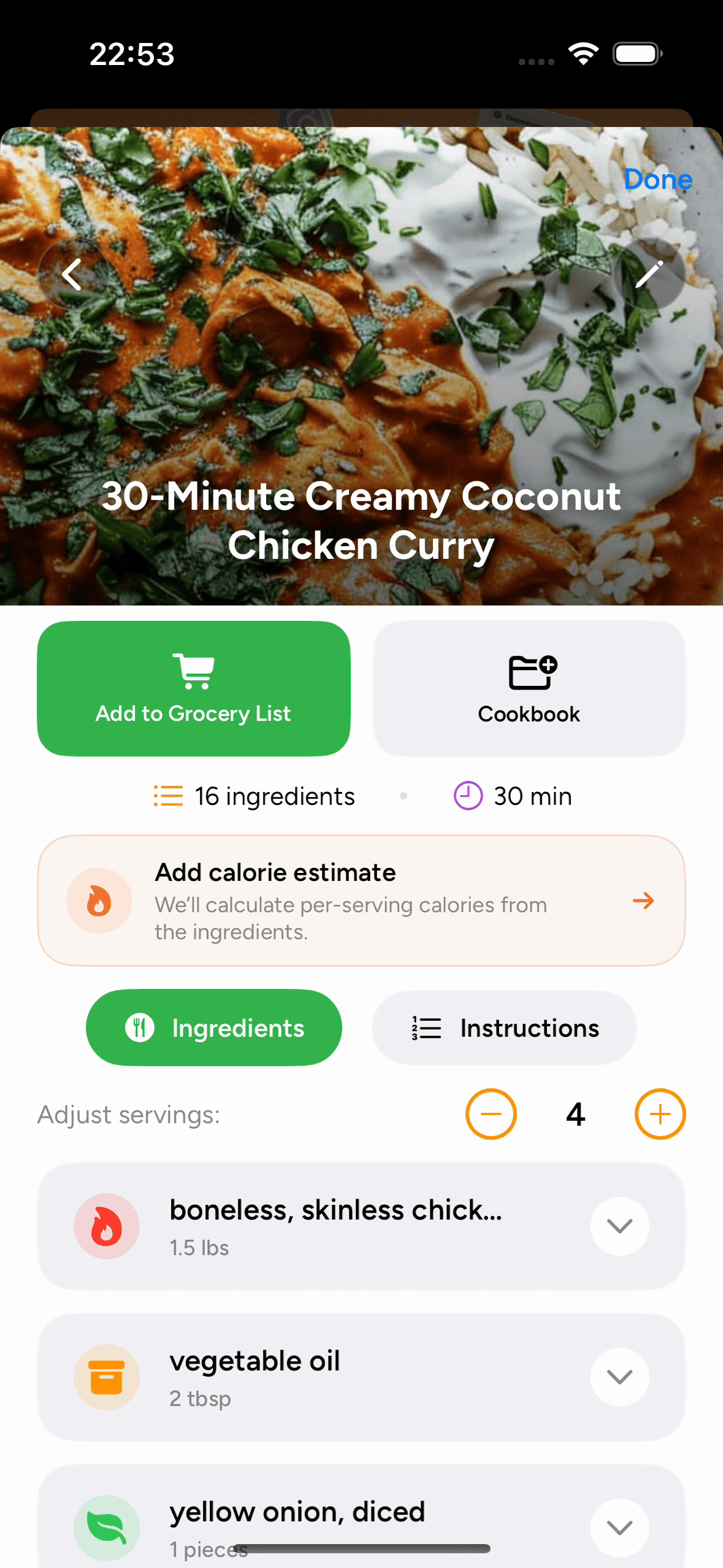
Save recipes from Pinterest
Import an individual Pinterest recipe link, check the details, and organize it in a cookbook.
See how it works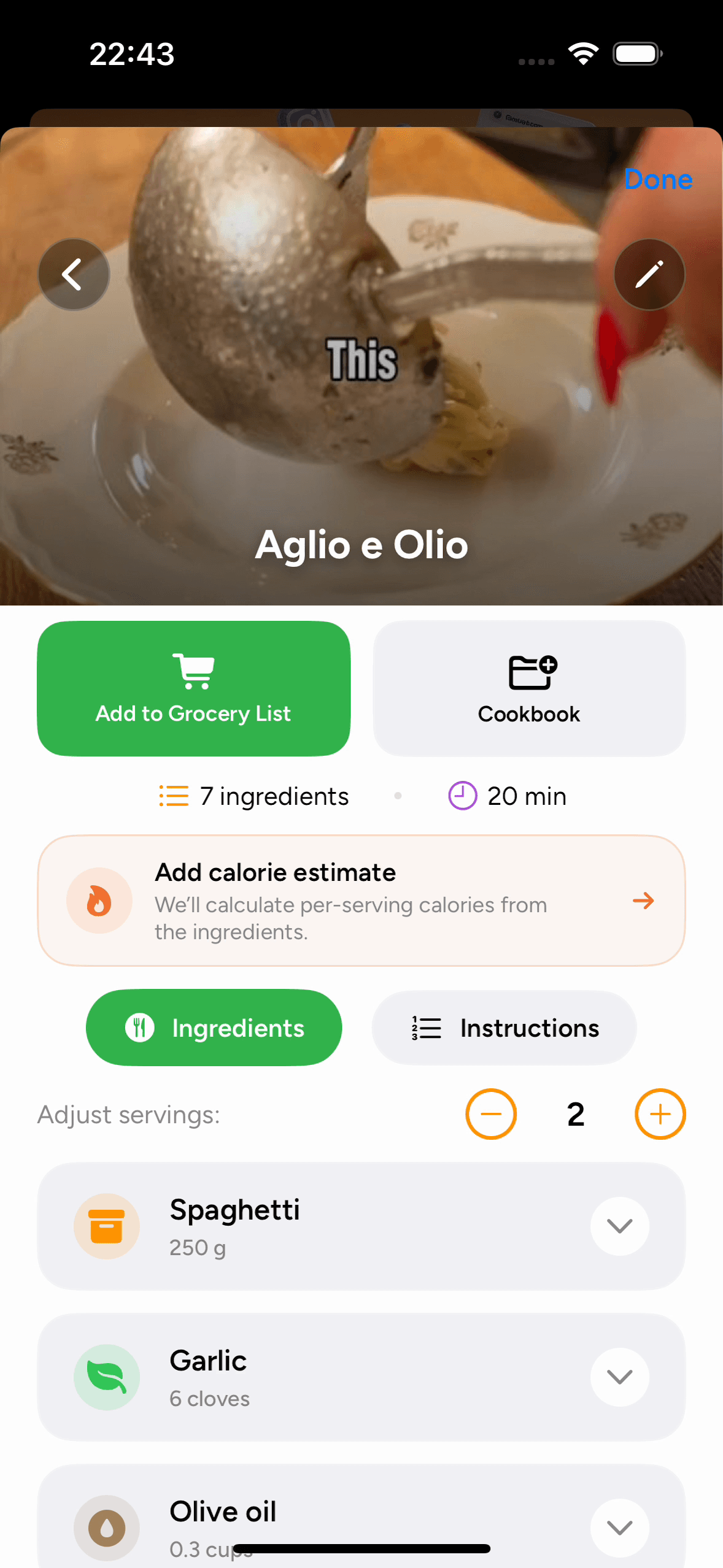
Save recipes from TikTok
Share a TikTok recipe video and review the available ingredients and instructions in PantryAI.
See how it works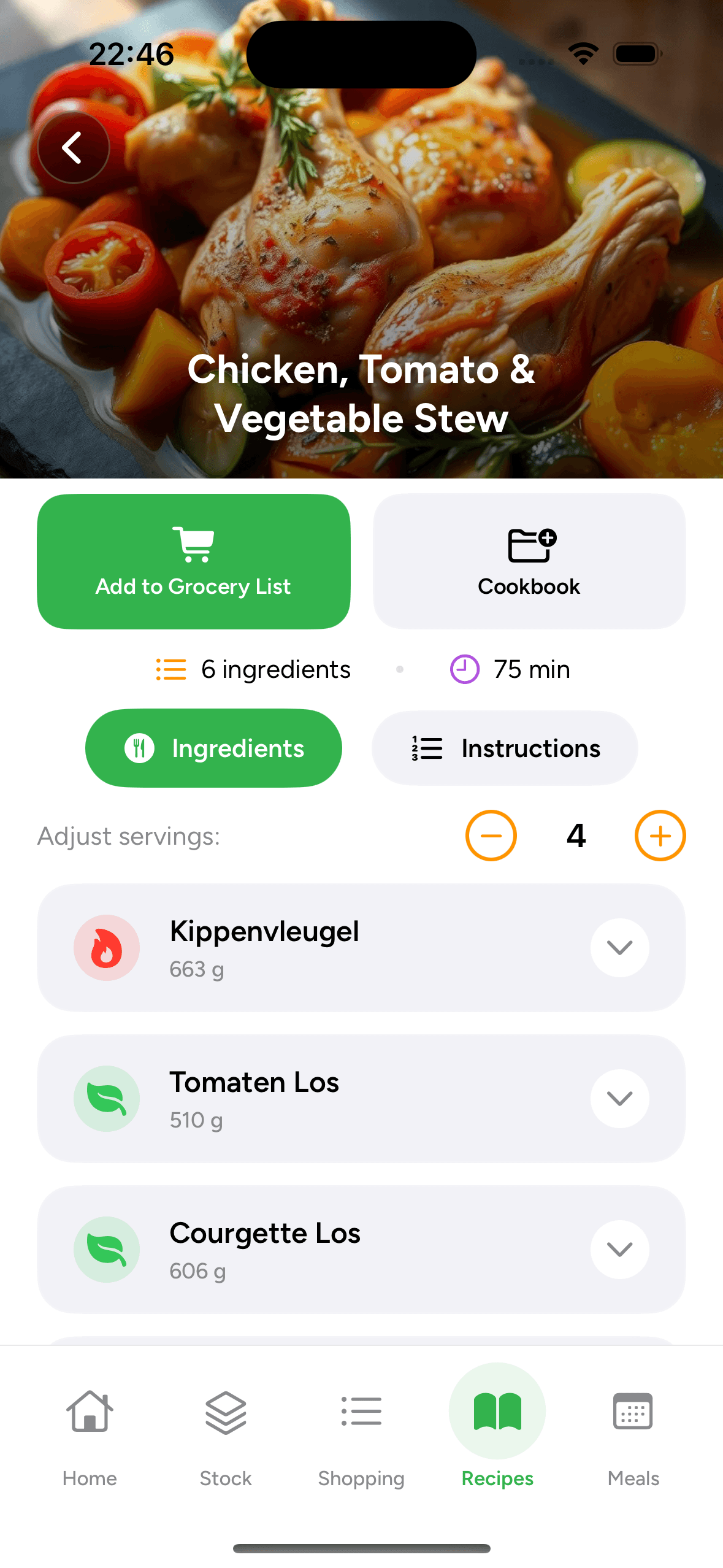
Save recipes from notebooks
Import clear photos of handwritten recipes, check the text, and save the recipes in a cookbook.
See how it works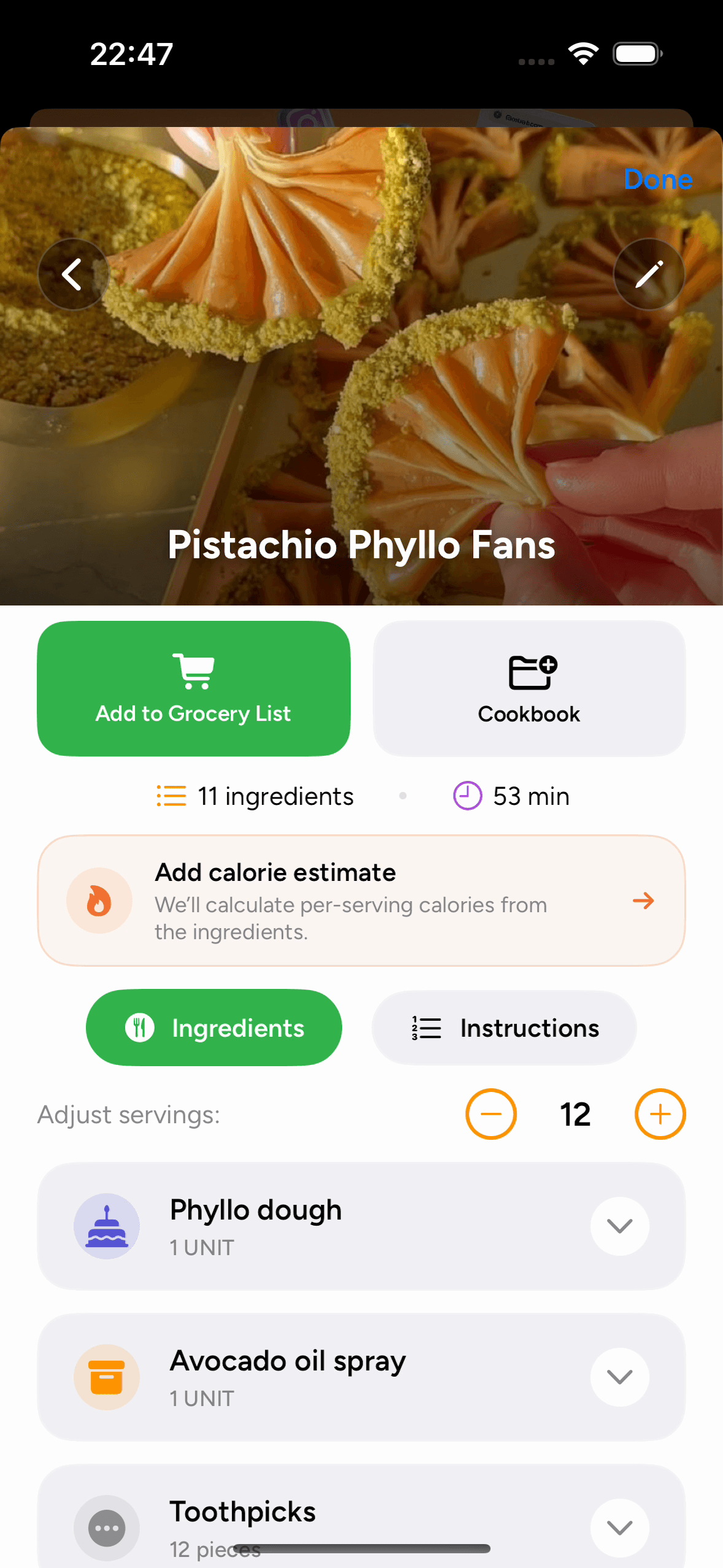
Save recipes from Instagram
Share an Instagram Reel or post, review its recipe details, and save it in a cookbook.
See how it works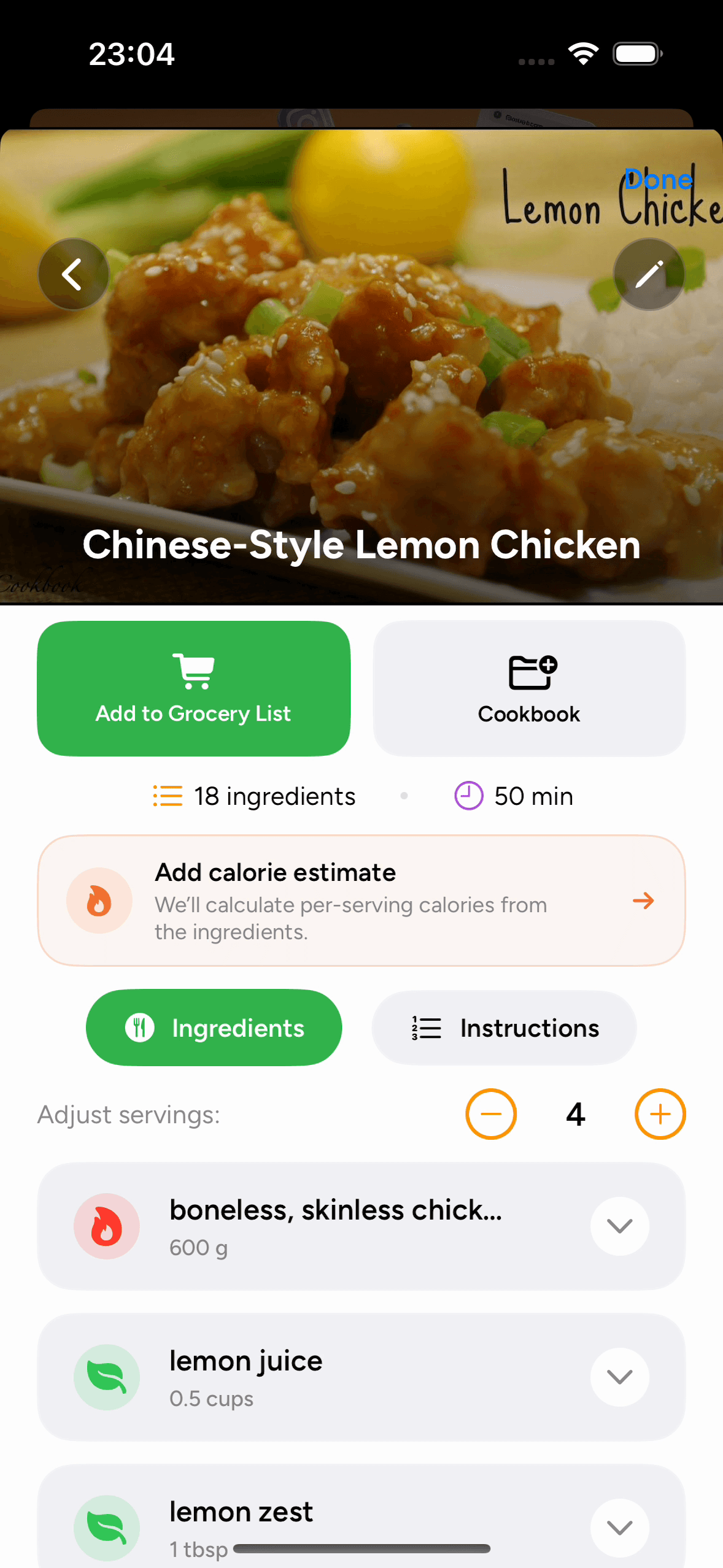
Save recipes from YouTube
Import available recipe details from a YouTube video or Short and keep its original source link.
See how it works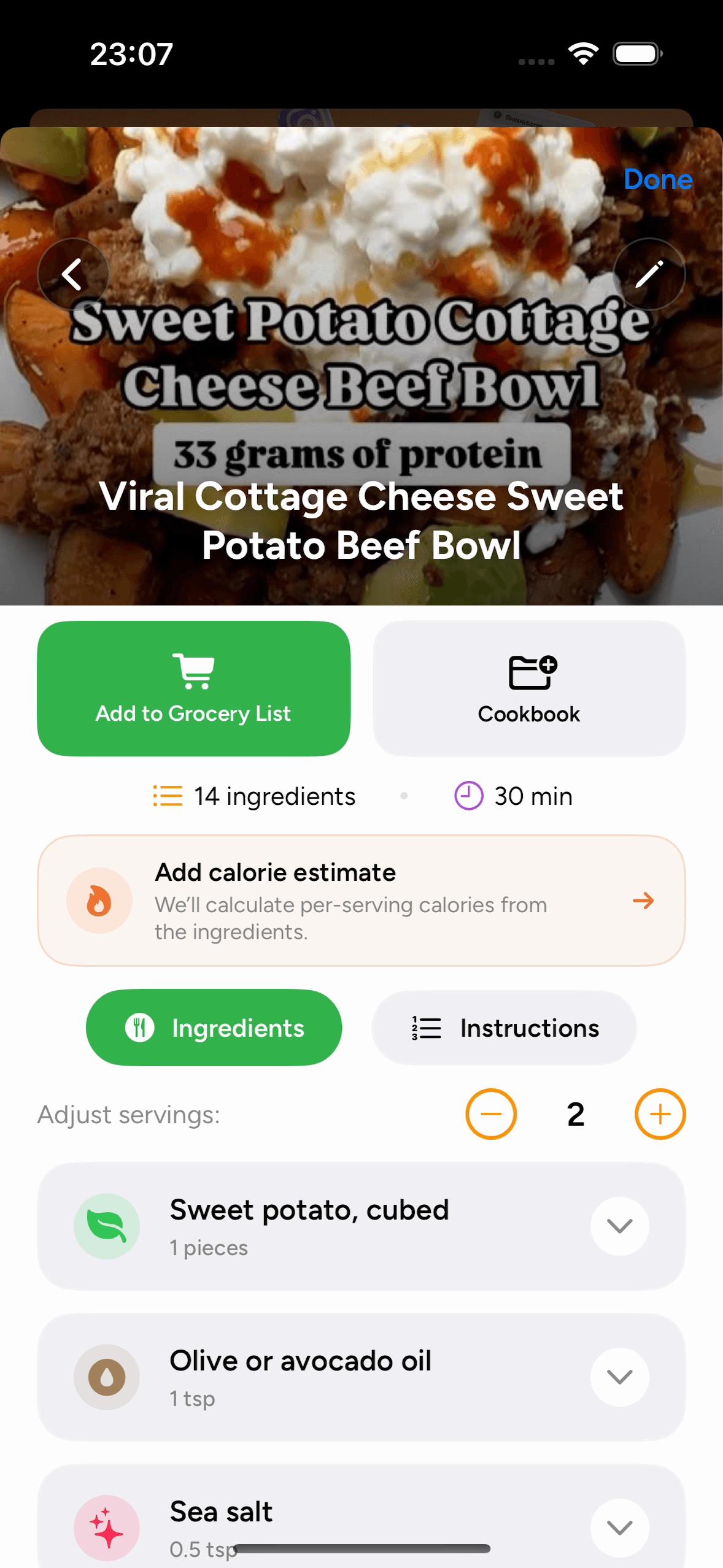
Save recipes from Facebook
Import a public Facebook recipe post or Reel and save its reviewed ingredients and instructions.
See how it worksSave recipes from cookbooks
Import cookbook page photos, review the recipe text, and use the recipe in meal plans and lists.
See how it worksSave recipes from screenshots
Select recipe screenshots, review the extracted ingredients and instructions, and organize the recipe in a cookbook.
See how it worksSave recipes from notes
Import recipe screenshots or original website links saved in Apple Notes and Notion.
See how it works
PantryAI for iPhone
Keep your favorite recipes together in PantryAI.
Download the app, import a recipe link or photo, and save the ingredients and instructions in your own cookbook.
Download on theApp StoreSubscription options in the app.